Step 1: Create an account under Mixpanel.
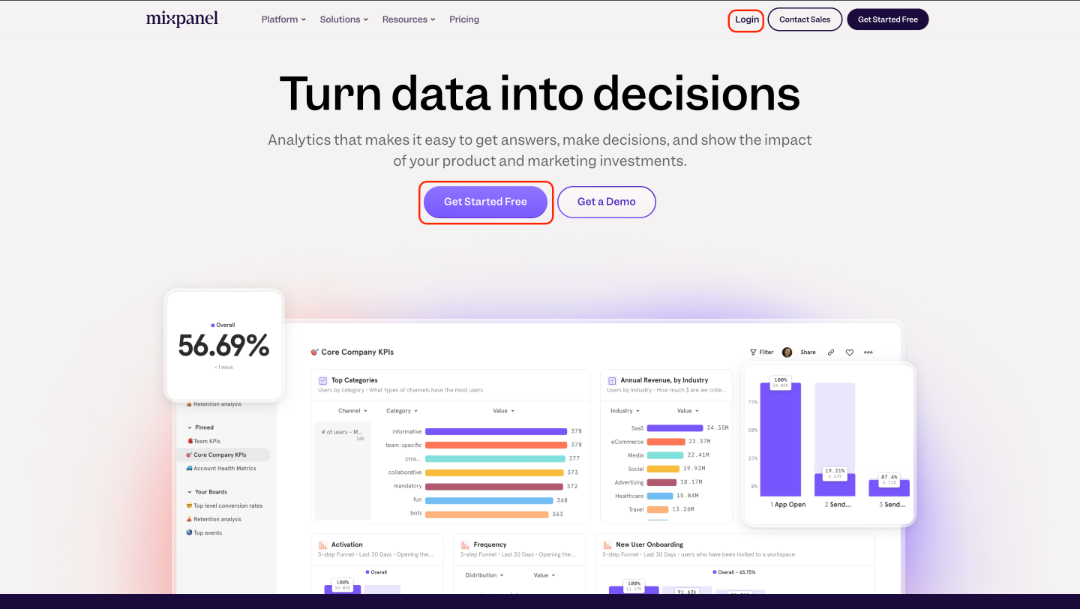
- Go to https://mixpanel.com/
- Sign up or log in to your account.
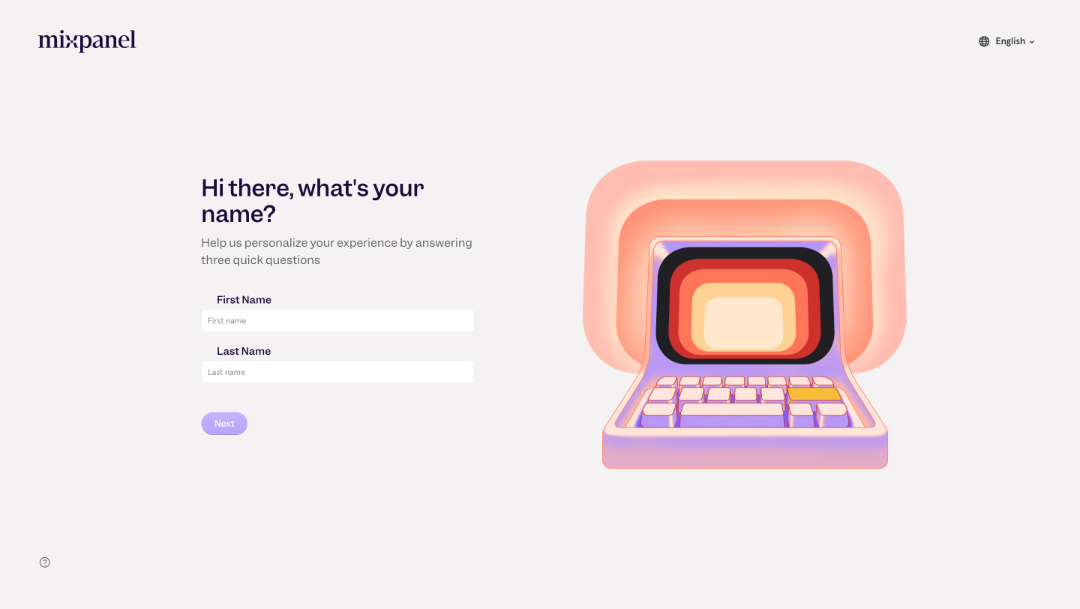
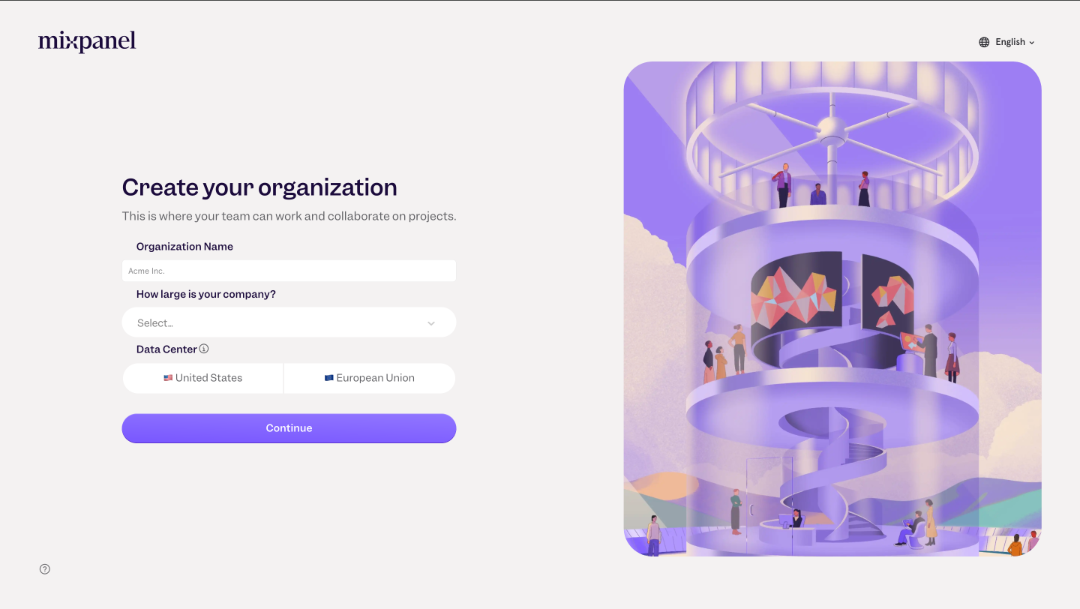
- Complete onboarding process.
- Your personal details
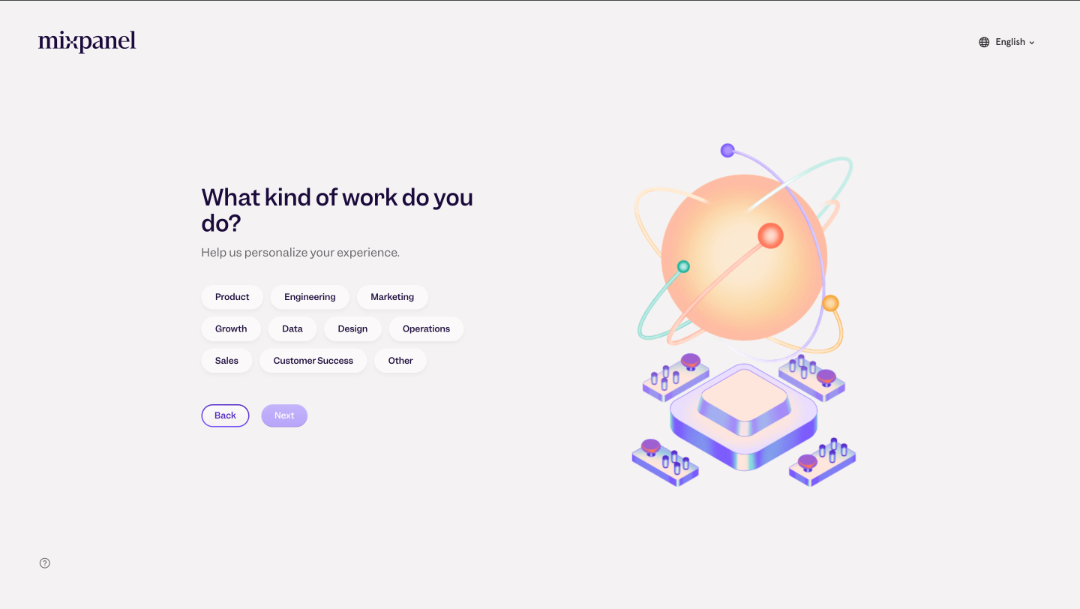
- Your work.
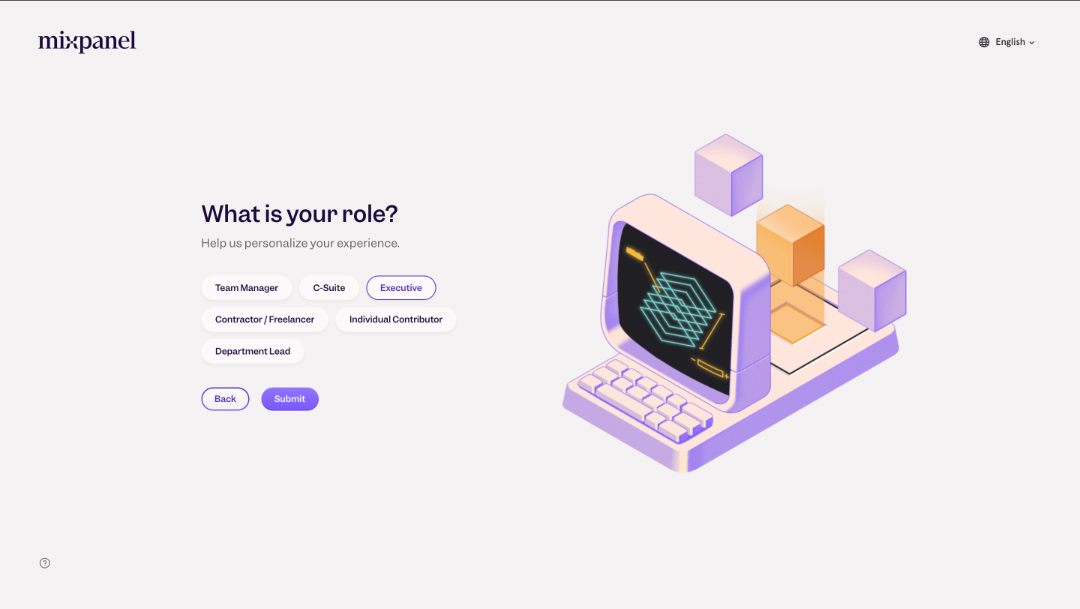
- Your role.
- Organization details
- Continue
Step 2: Copy the Mixpanel project token.
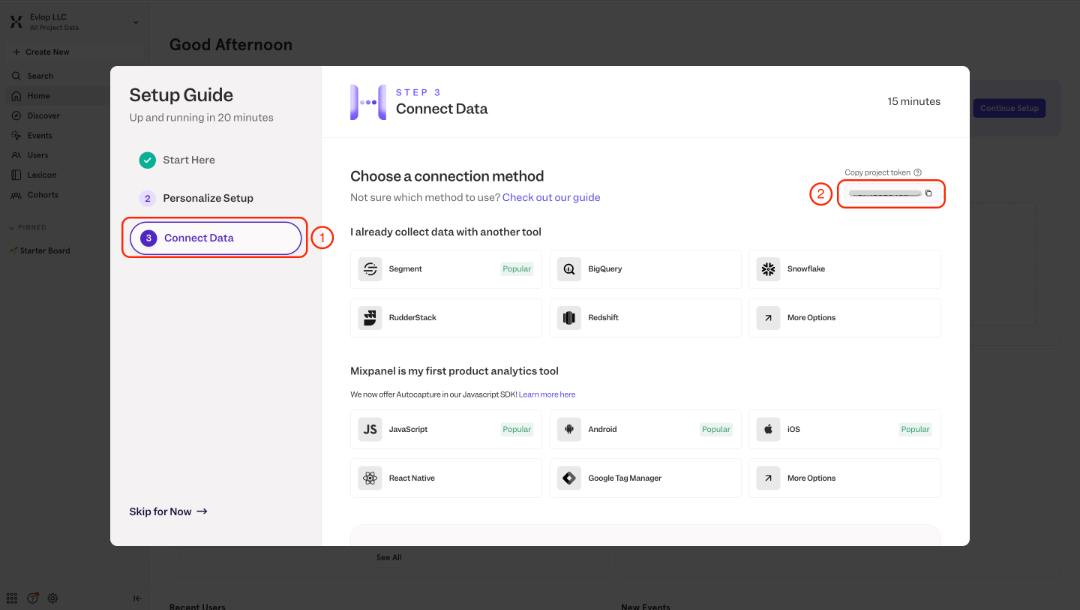
A: If you've newly created an account.
- Click the 3rd point Connect Data, from the Setup guide modal.
- Copy Project token
B: If you already have a Mixpannel Account/ project.
- Click the Settings icon in the bottom left corner of a Mixpannel home.
- Click Set Up Mixpanel
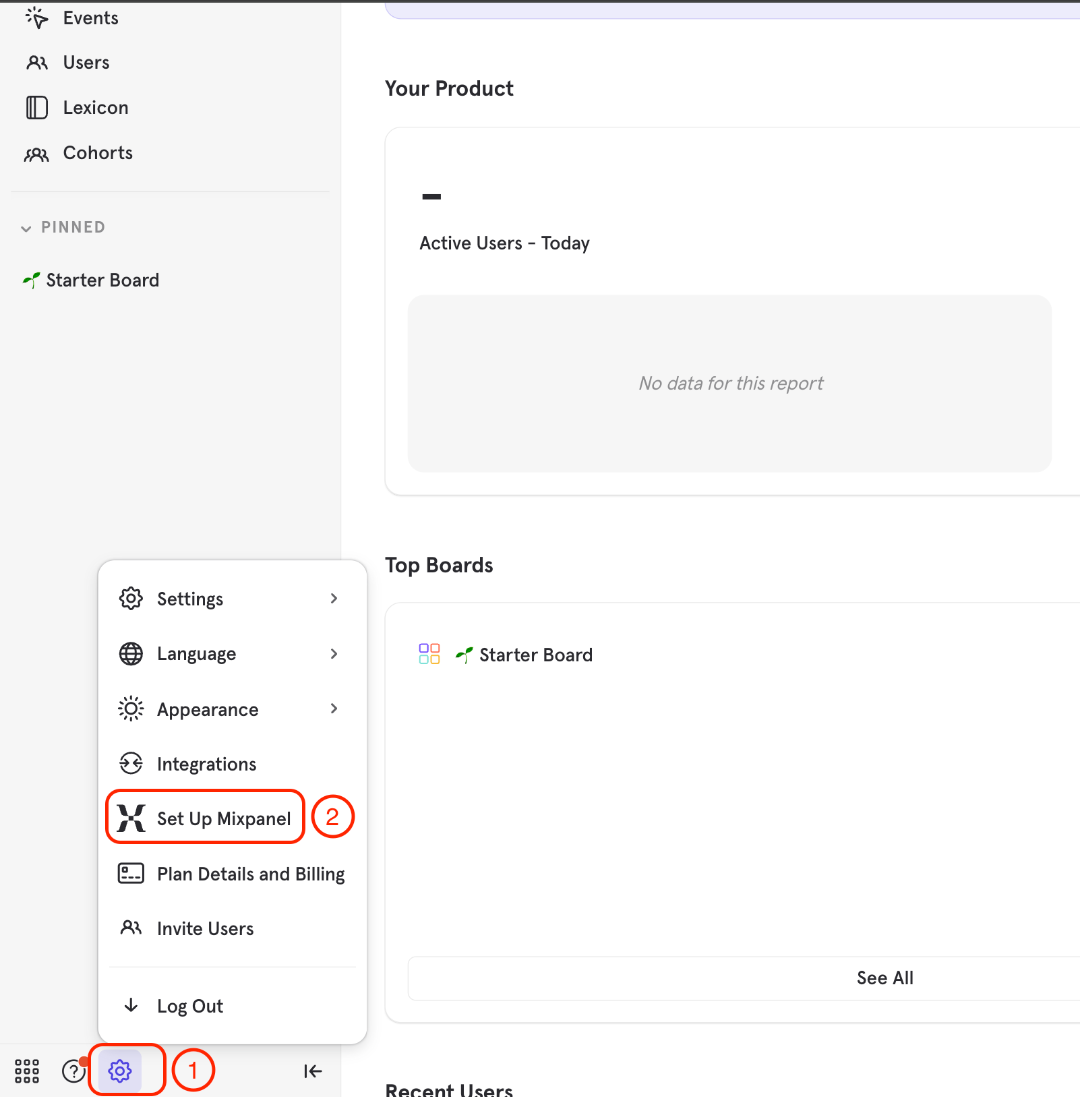
- Setup Guide modal will appear
- Click Connect data
- Copy Project token
Step 3: Enable and configure the Mixpanel Analytics Integration.
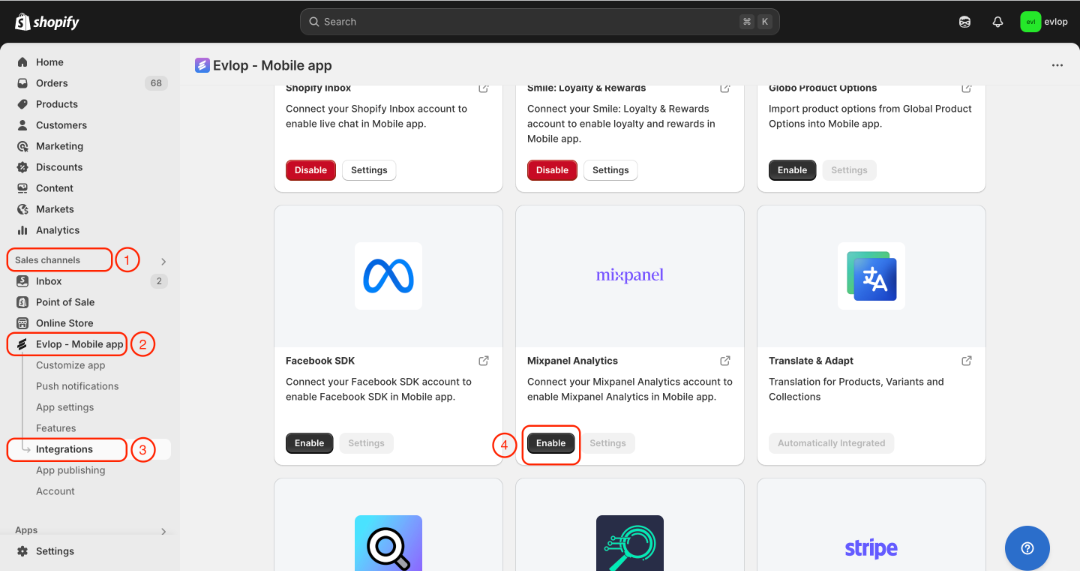
- Go to the Sales channel section of your Shopify dashboard.
- Select evlop mobile app
- Open the Integrations page.
- Navigate to Mixpanel Analytics
- Enable the Mixpanel Analytics Integration
- Paste the mixpanel project token that you have copied.
- Save the changes.
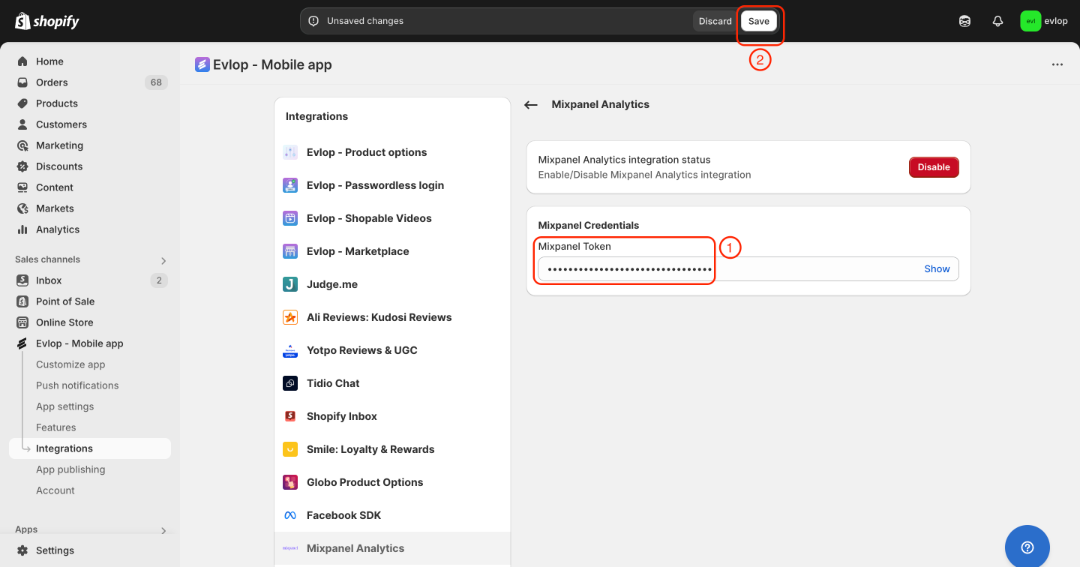
The integration process between the Evlop mobile app and Mixpanel Analytics has been completed.