Video lessons
Learn Evlop by watching.
Short, practical video lessons for building, launching, and growing your Evlop mobile app.
Watch & learn
Guided lessons, ready to follow along.
19 video lessons covering setup, design, and growth.
Getting Started & Setup Guide
Learn how to fully customize your mobile app's layout, themes, and branding without code. Discover how to use the Evlop design canvas to give your customers a premium mobile shopping experience.
 2:38Lesson 1
Getting Started with Evlop: Build a Mobile App for Your Shopify Store.
 13:30Lesson 2
Evlop App Customizer: Structure & Style Your Mobile App
 5:57Lesson 3
Powerful Features to Customize Your Shopify Mobile App (Evlop Features Tour)
 4:46Lesson 4
Evlop Push Notifications: Audience Segmentation, Scheduling, & ROI Tracking
 2:22Lesson 5
Managing Subscriptions, Developer Accounts, & Product Sync in Evlop
 3:30Lesson 6
How to Set Up & Sync Shopify Customer Accounts in Evlop (Classic vs New)
 3:11Lesson 7
Evlop WebView Bridge SDK: Keep Your Custom Web Scripts & Apps In-Sync
 1:45Lesson 8
How to Setup Abandoned Cart Recovery Alert in Evlop (Shopify App)?
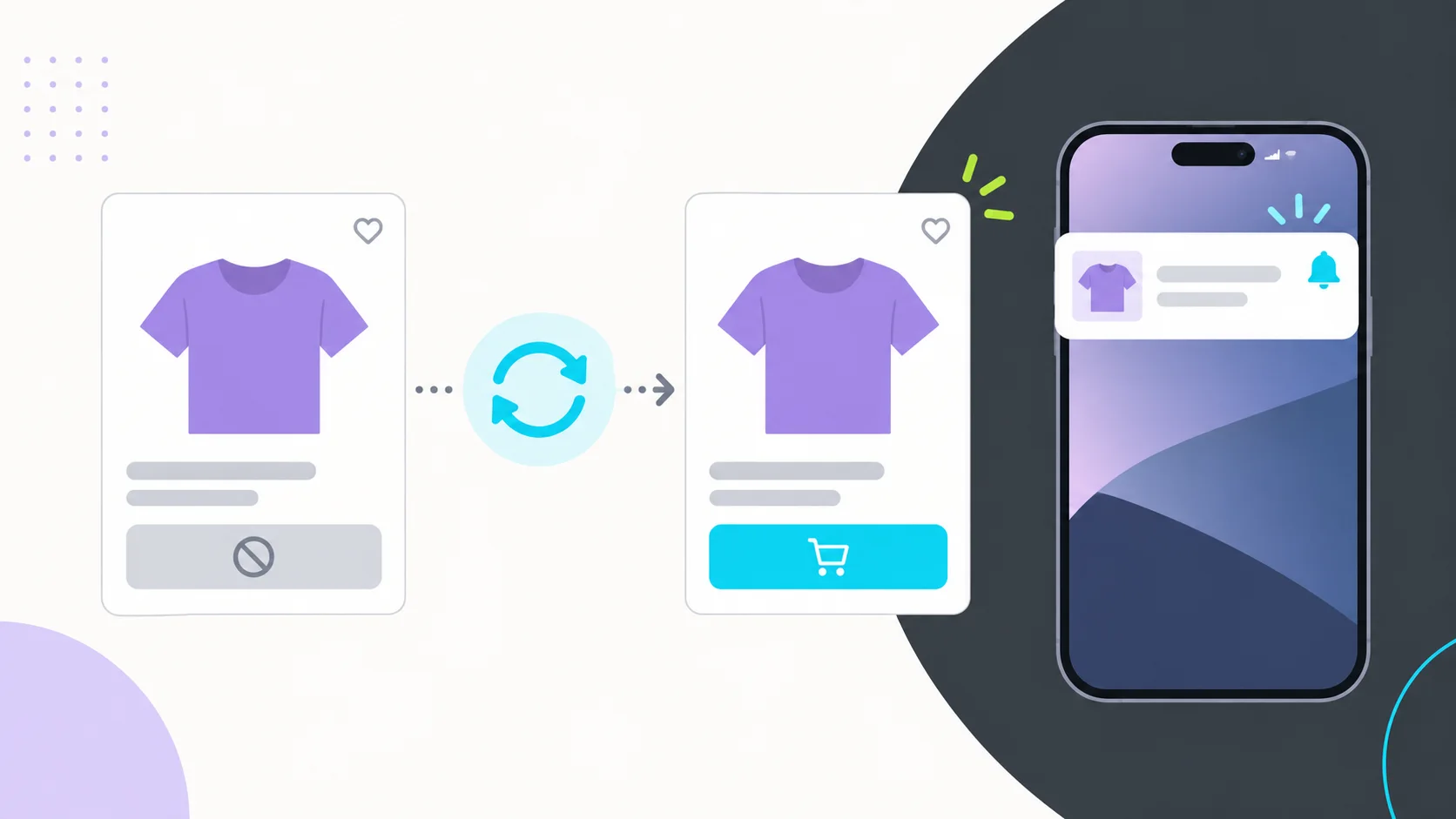 2:12Lesson 9
Never Lose a Sale: Automated Restock Alerts for Your Shopify Mobile App
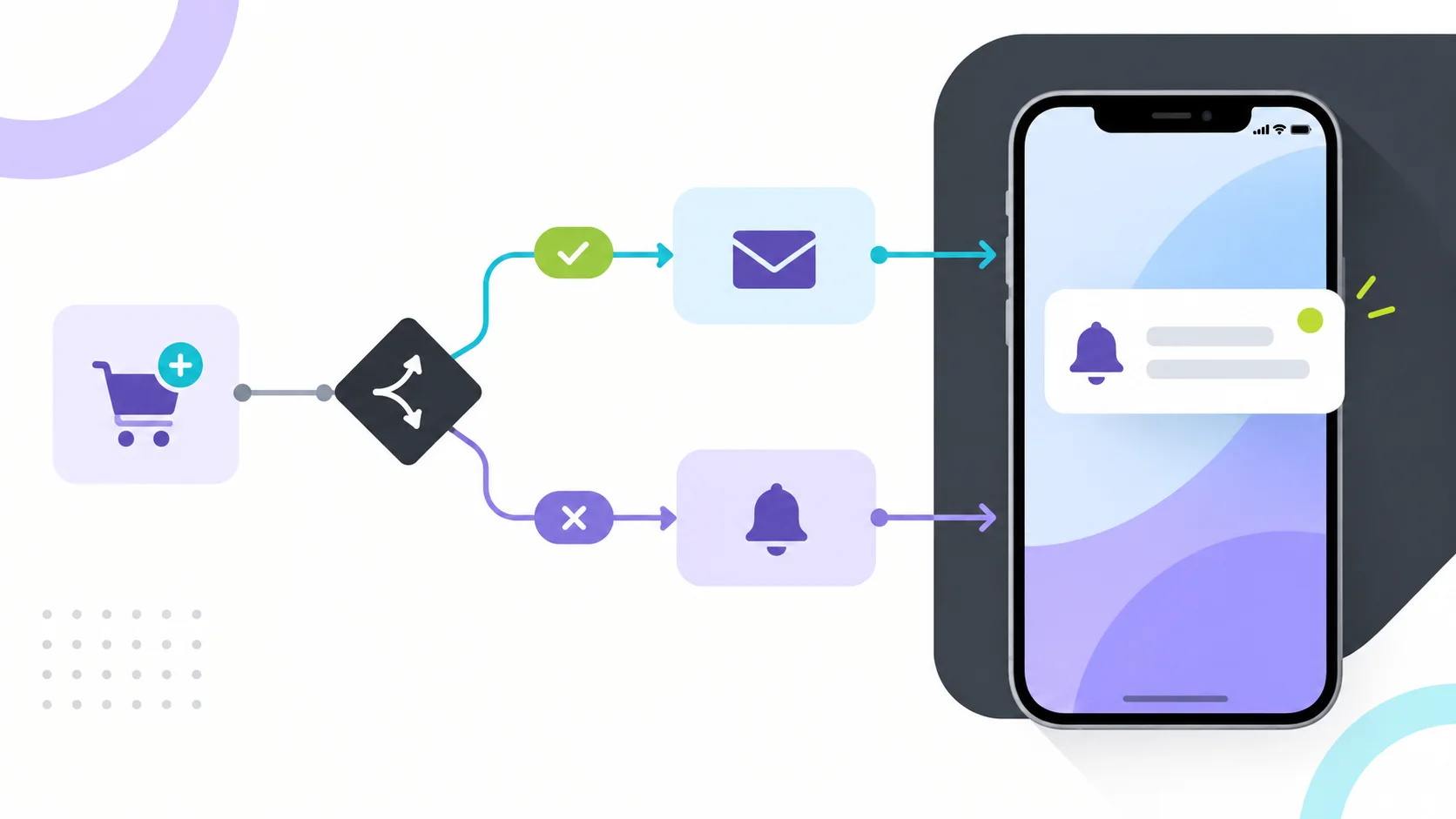 11:12Lesson 10
How to Setup Automation Flows in Evlop Mobile App Builder (Visual Editor Guide)
 4:15Lesson 11
How to Set Up Multi-Language & Localization in Evlop (Shopify Mobile App)
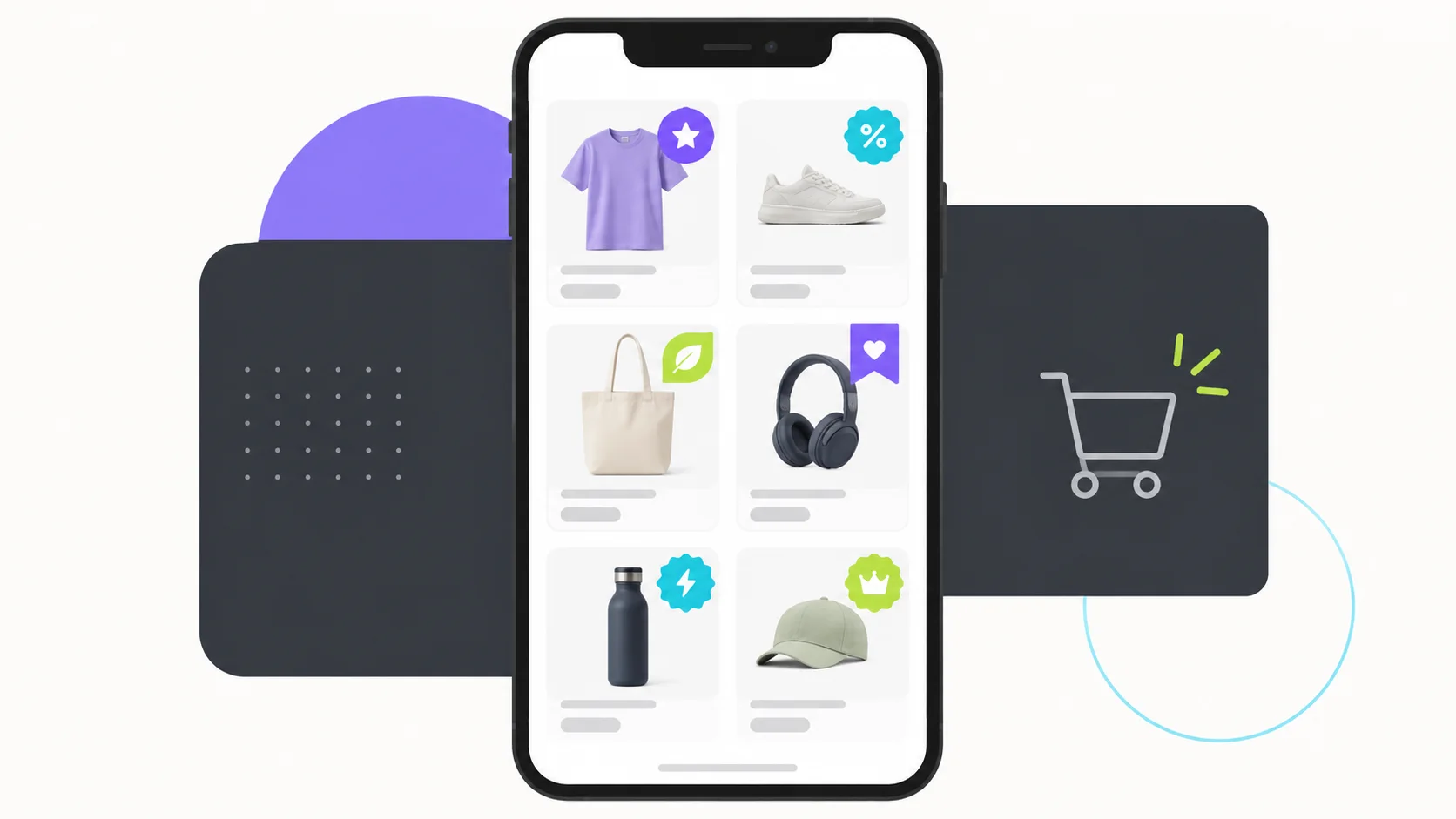 6:27Lesson 12
How to Set Up Product Stickers & Badges in Evlop (Shopify Mobile App)
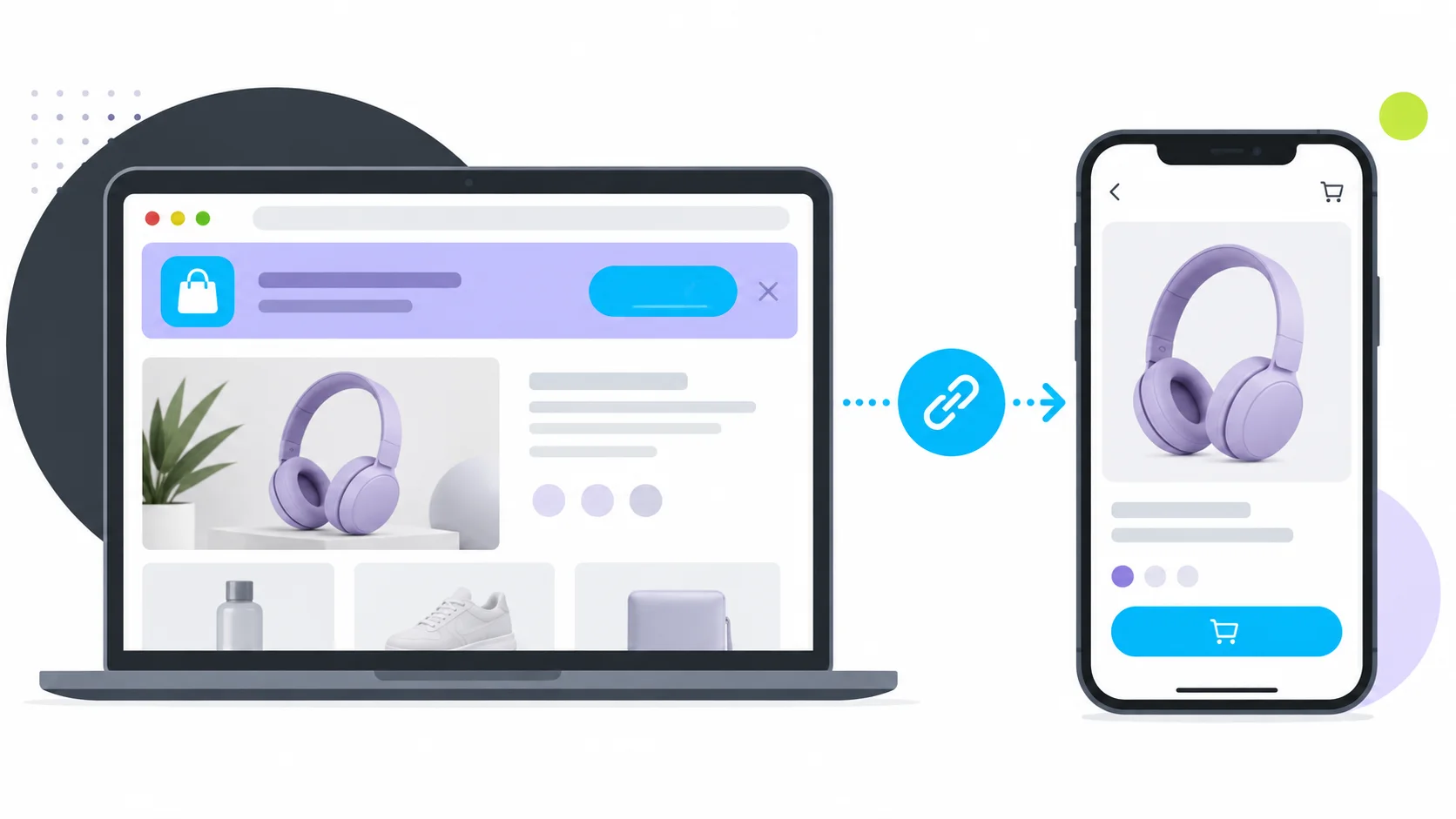 3:22Lesson 13
How to Set Up Deeplinks & Smart App Banners in Evlop (Mobile App Builder for Shopify)
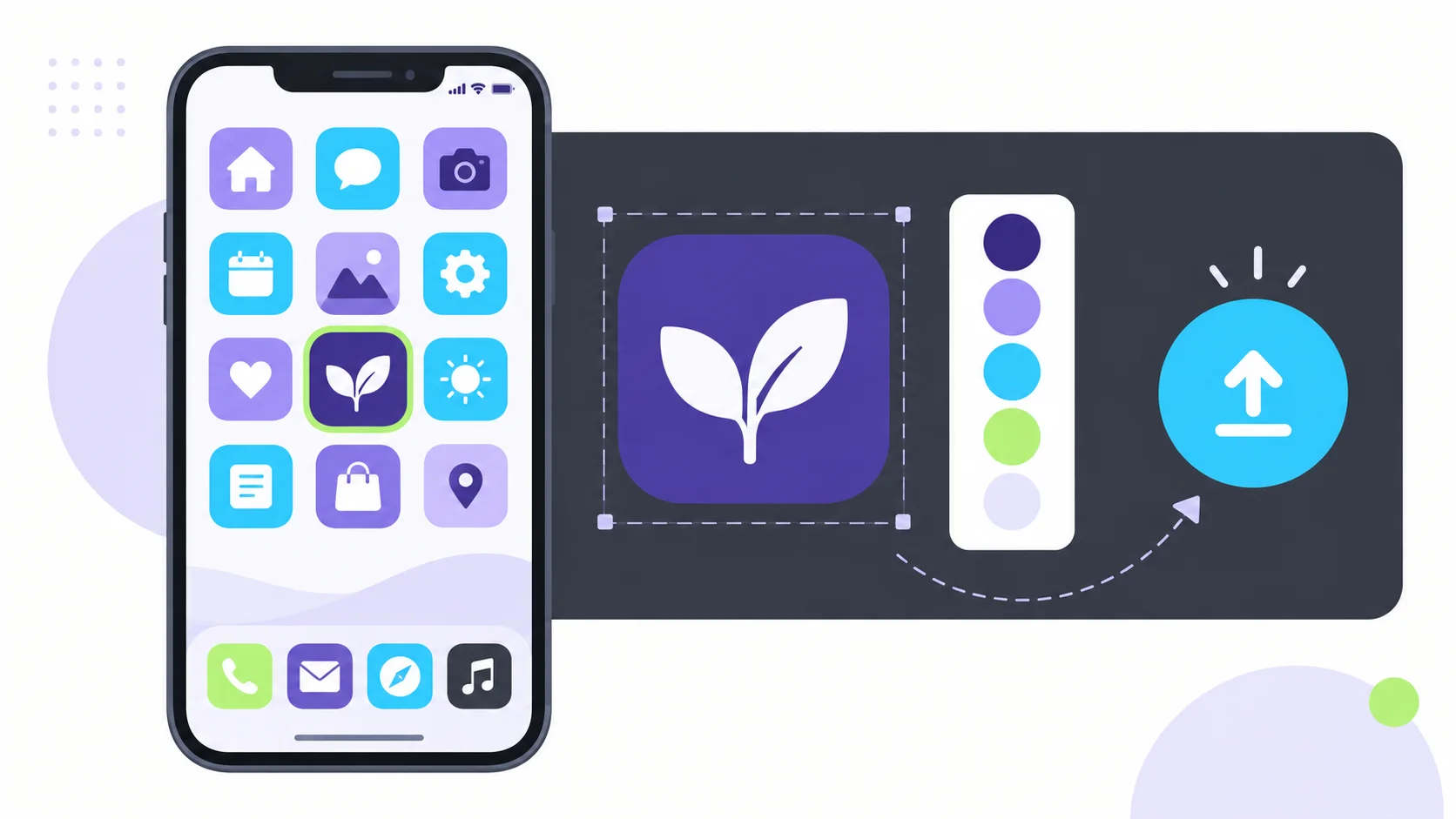 1:32Lesson 14
How to Upload and Use Custom Icons in Evlop (Mobile App Builder for Shopify Store)
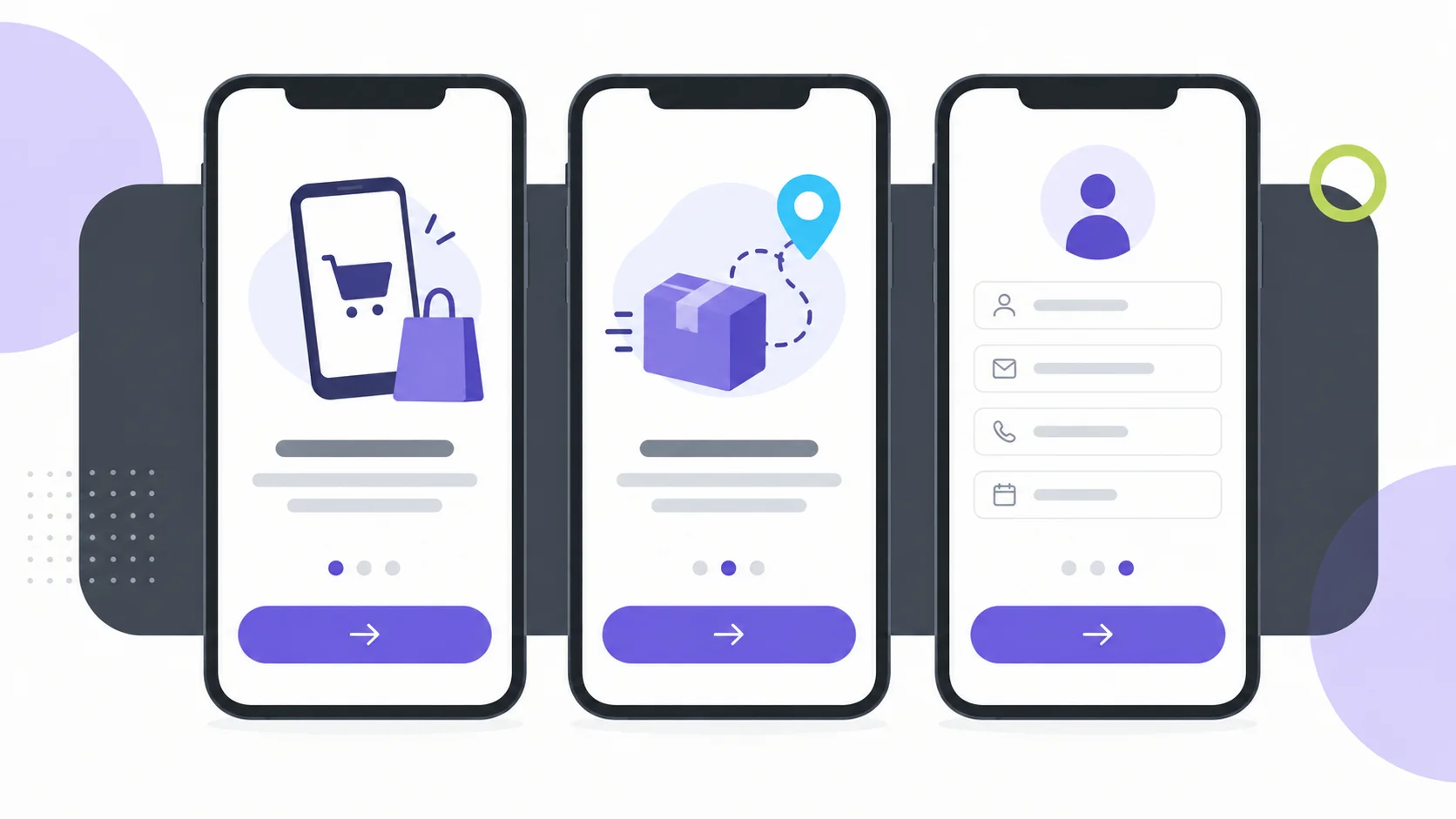 2:21Lesson 15
How to Set Up an App Intro Screen for Your Mobile App (Evlop Mobile App)?
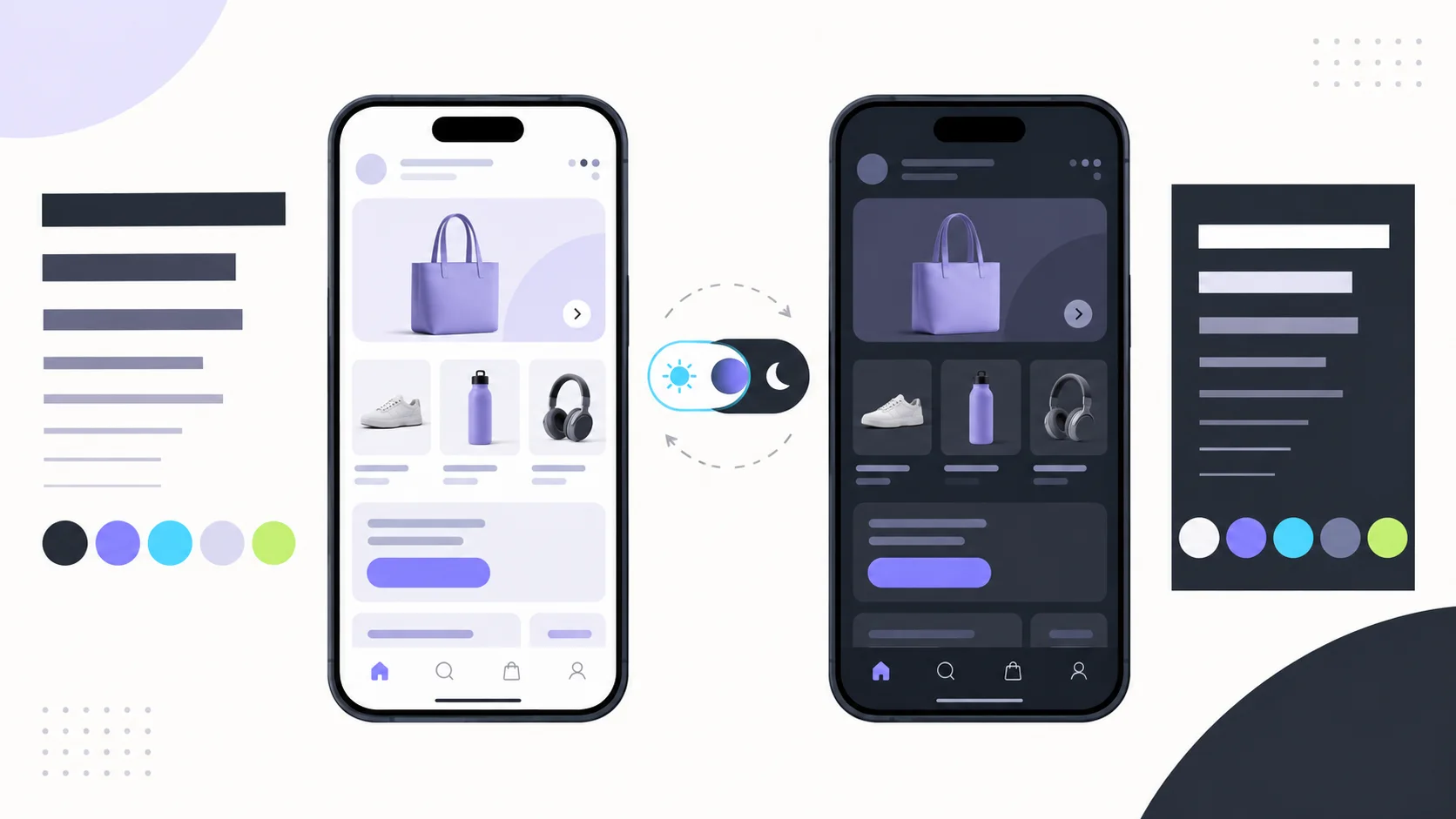 3:55Lesson 16
Design Your Shopify Mobile App: Custom Fonts, Colors & Dark Mode in Evlop
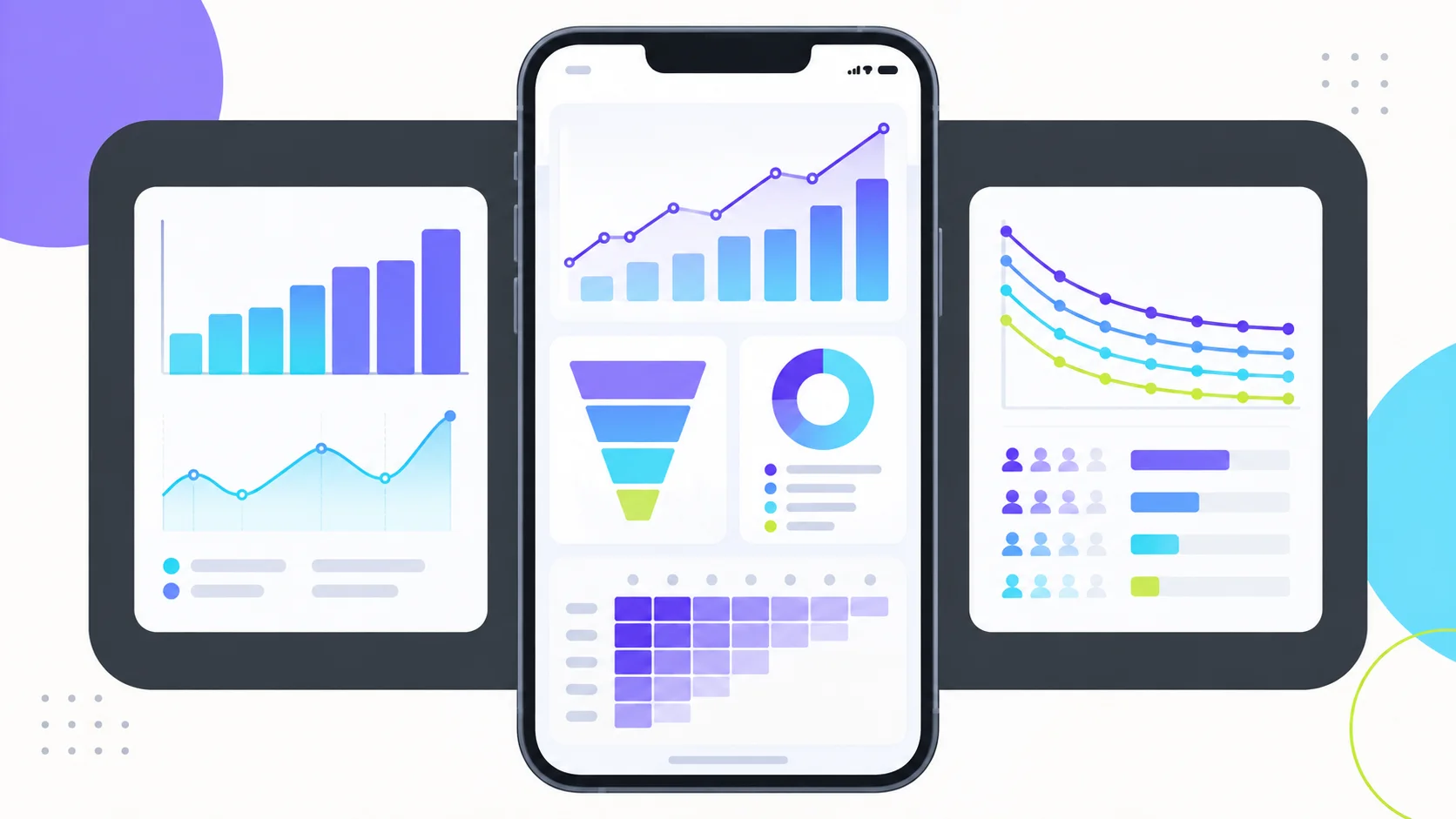 6:32Lesson 17
How to Track Mobile App Data with Evlop App Analytics.
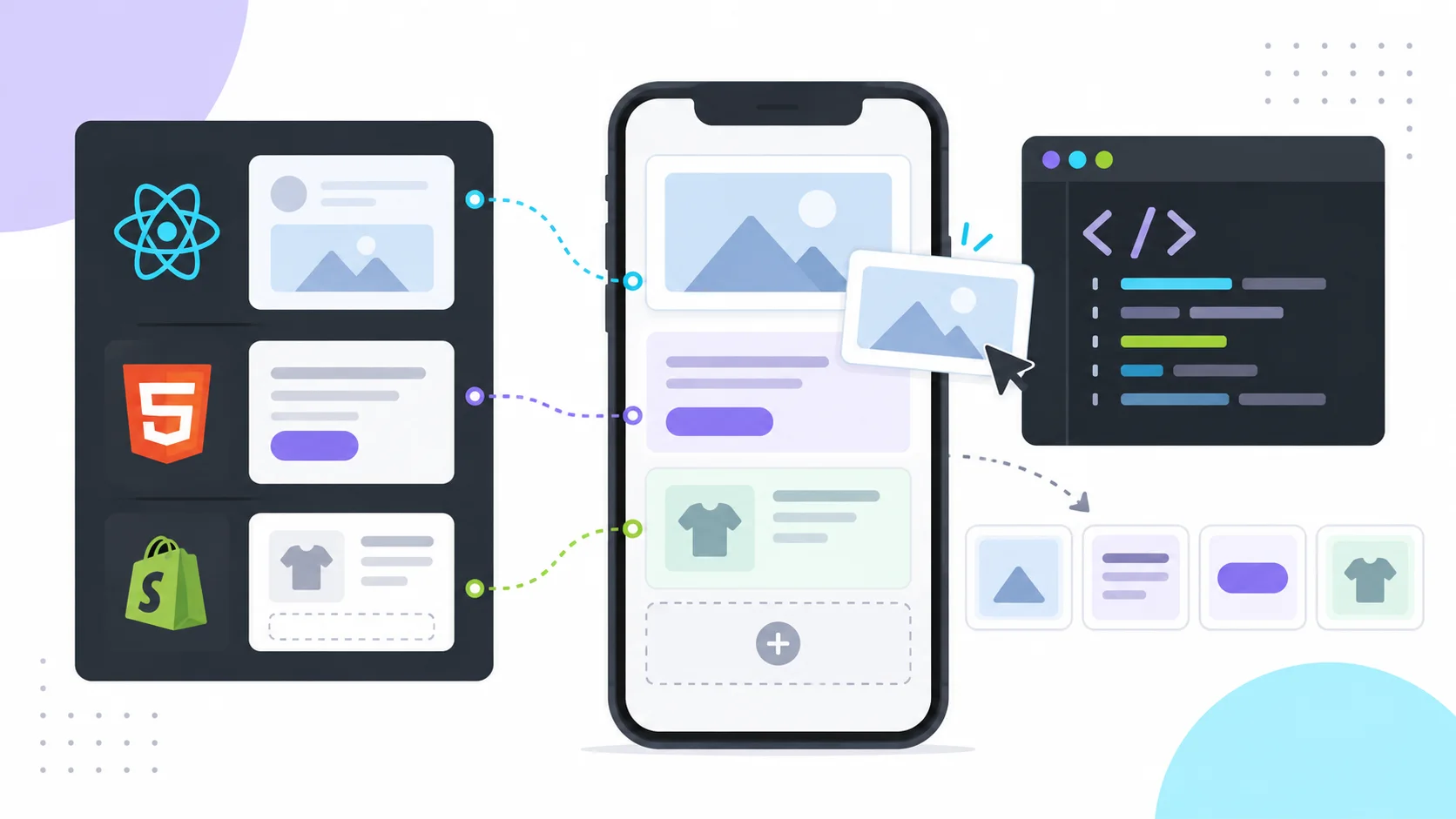 9:01Lesson 18
Build Without Limits: Evlop Custom Blocks Walkthrough (React Native, HTML, Liquid)
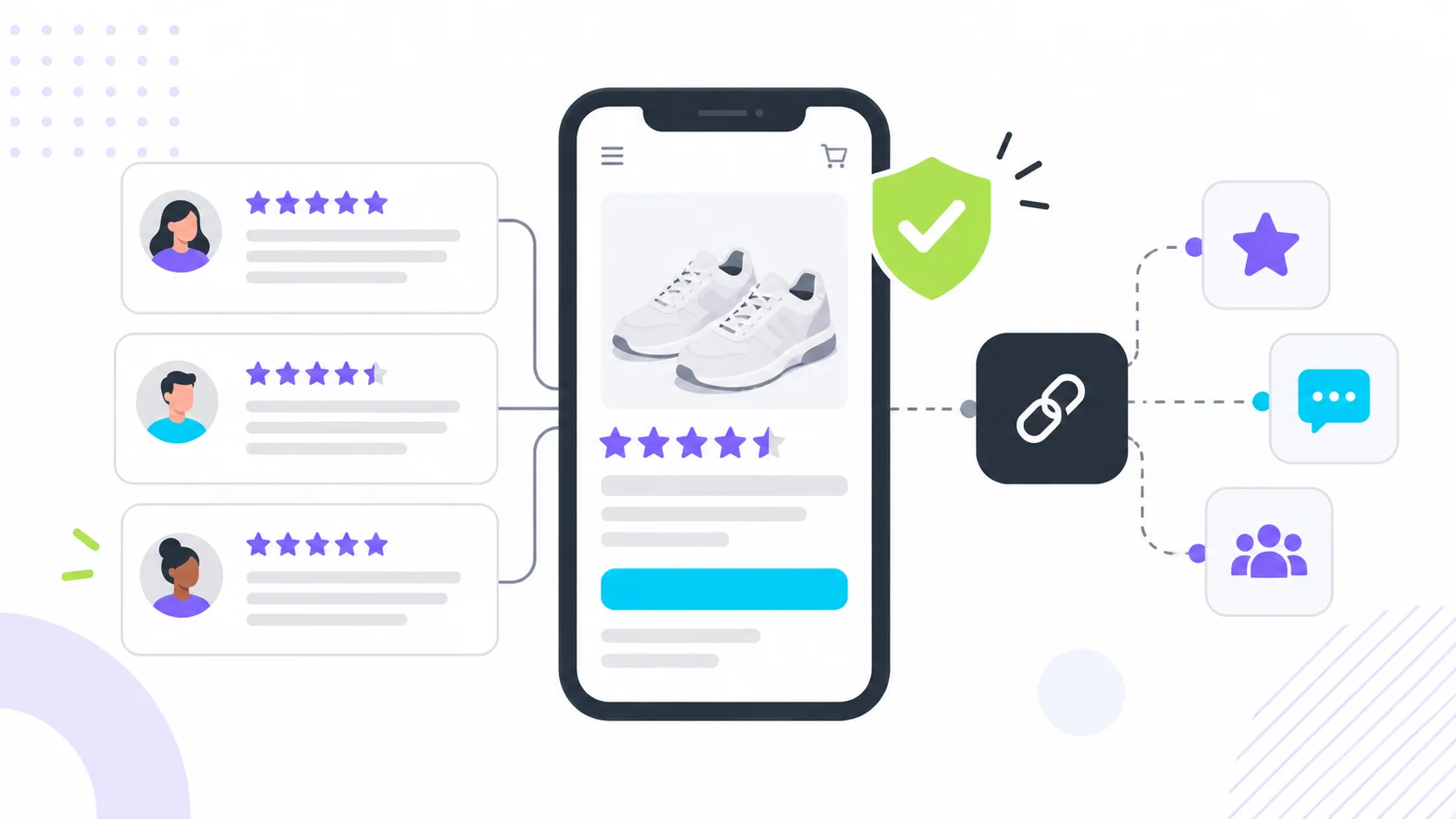 2:16Lesson 19
Evlop Tutorial: Connecting Review Providers & Displaying Social Proof