What is a Maintenance Mode Feature?
Maintenance mode is a feature that restricts the user from accessing the app while necessary updates and maintenance are performed. This ensures a better user experience by informing users about temporary unavailability and preventing potential issues or errors.
Feature Highlights 🎯
- Inaccessible Features
- Informative Message
- Store password for owner access
How to Enable 🟢 Customer Account Feature?
You can simply click on the Enable button along with the Maintenance Mode feature box from the Features page of Evlop Mobile App’s Shopify Dashboard.
Highlights 🔎
1. Inaccessible Features 🔐
When Maintenance mode is enabled, no features, functions, or design layouts of the app are accessible. This provides flexibility if any app functions are in progress or if there's a need to pause the regular user flow.
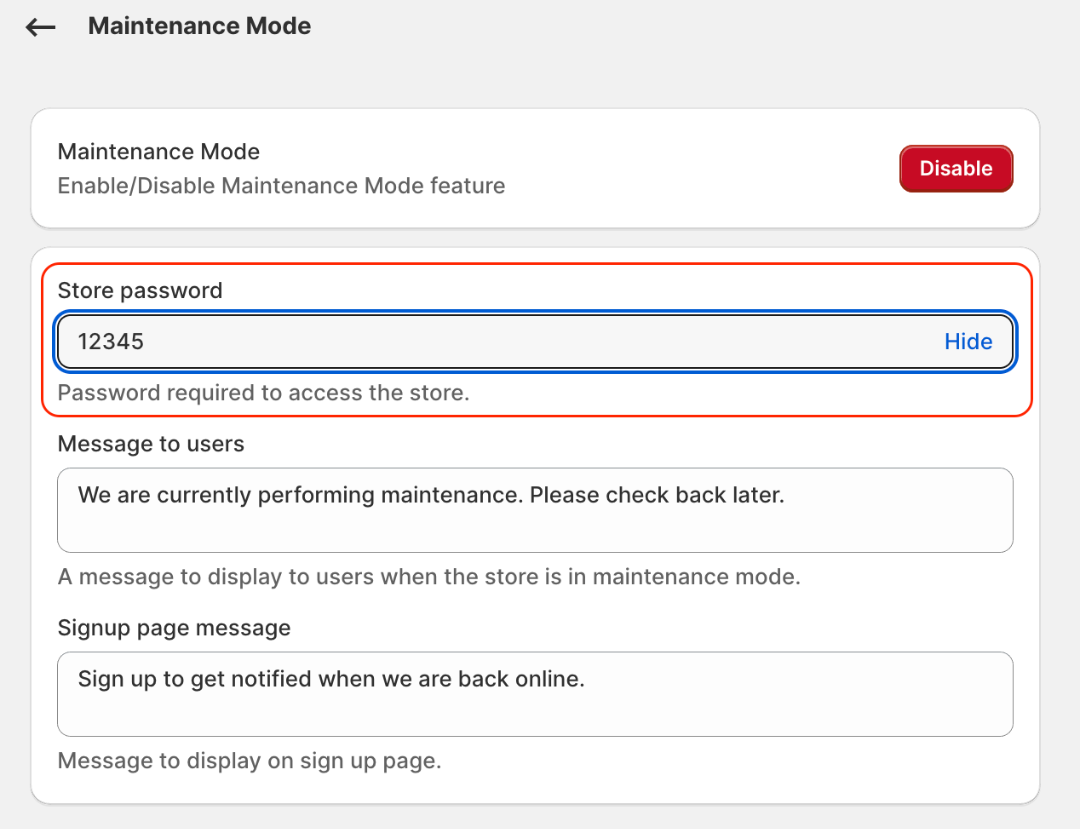
2. Store password for owner access 🗝️
Store owners can still access the app using their store password. This allows them to monitor and test the ongoing development of new features, as well as verify that the app is functioning properly using the live app.
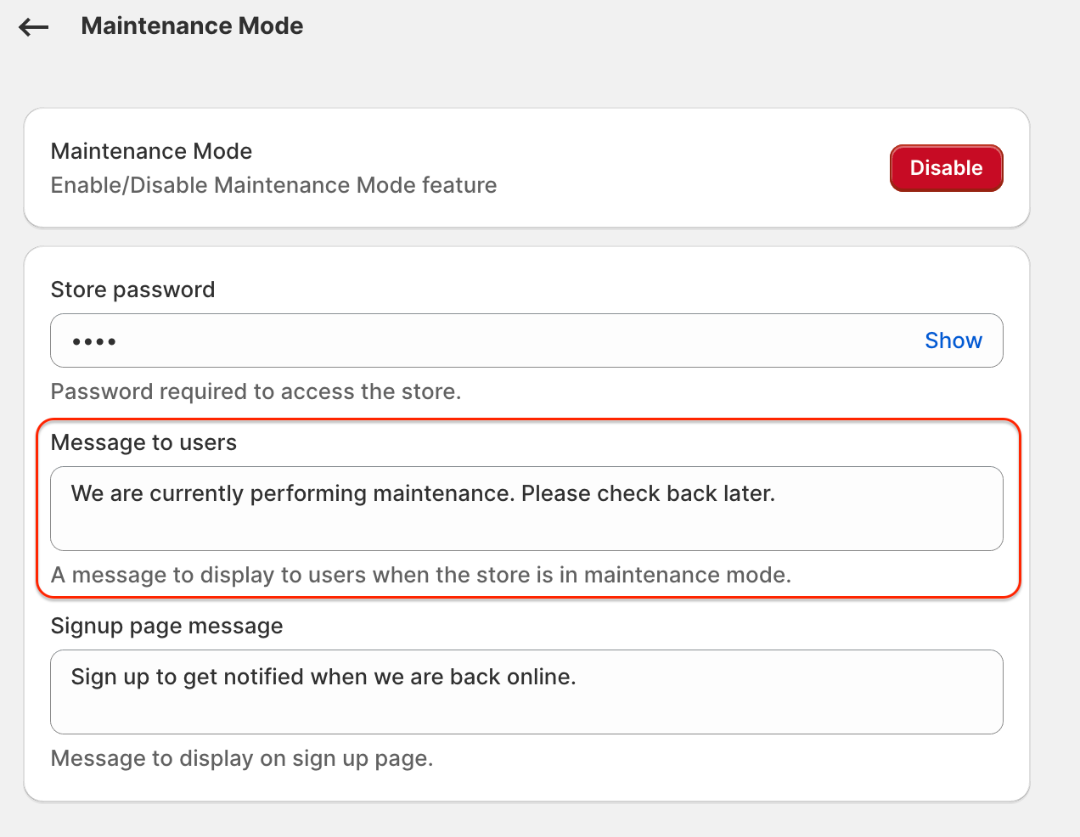
3. Informative Message 📋
Merchants have the option to leave a detailed message explaining why the app is currently offline and providing an estimated time for when it will be back online. This enhances the user experience by keeping users informed about ongoing maintenance.
How customers will see it.⤵
